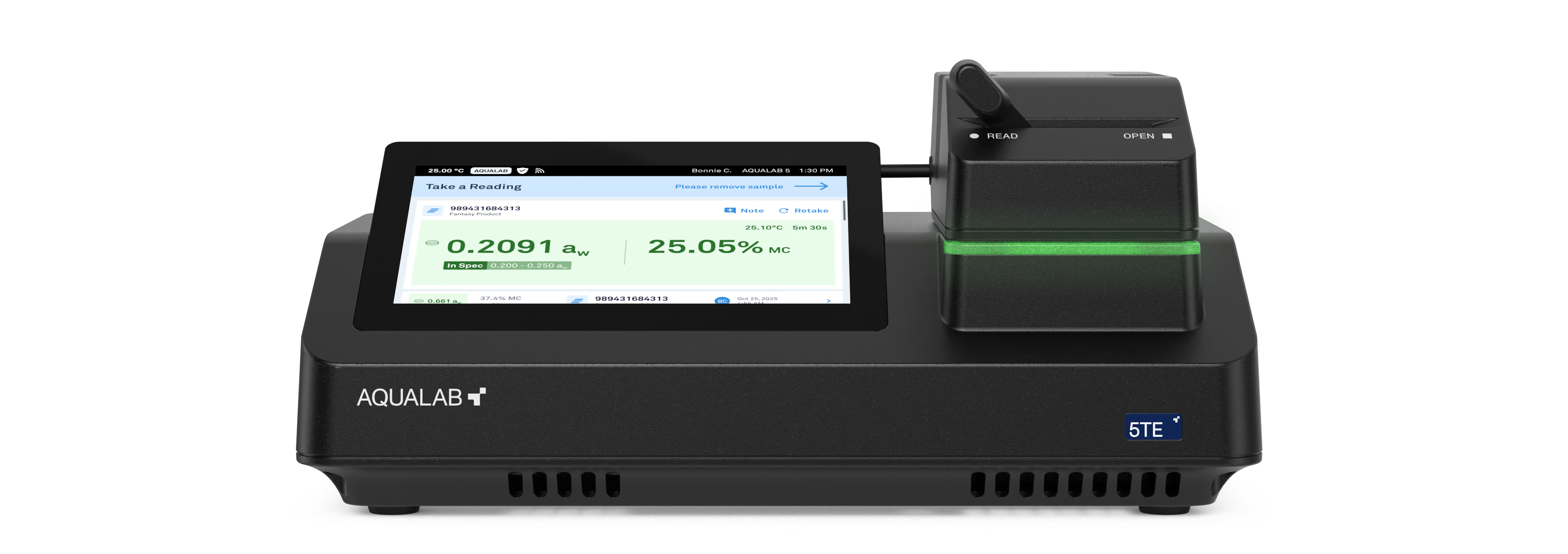
AQUALAB 5TE
Firmware & Software Downloads
Keep your AQUALAB 5TE up to date with the latest features and performance improvements.
To update the system using a USB drive:
- Download the system update file (.upd) to your computer.
- Copy the file to a FAT32-formatted USB drive.
- Insert the USB drive into a USB-A port on the rear panel of your AQUALAB 5TE.
- On the Home screen, follow the System Update Available prompt to install the update.