PREPARATION
Inspect and verify
Verify that all of the following items are present and undamaged upon receipt:
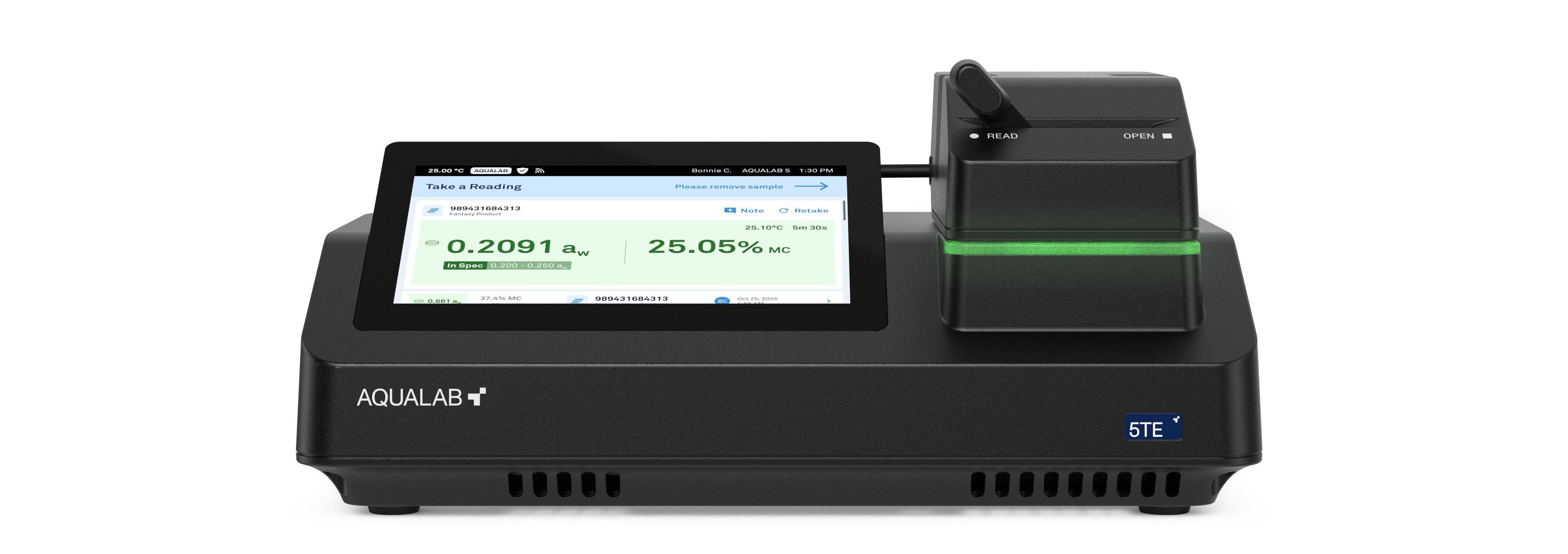
- AQUALAB 5TE Water Activity meter
- Wireless adapter (may not be included in all regions)
- USB-Ethernet adapter
- Certificate of Calibration
- Power supply and power cable, including 2.5 mm Ø to 2.1 mm Ø adapter
- USB A to USB B cable
Select the location
Place the instrument on a clean, level table with stable temperature. Areas with high temperature variability, such as near air conditioners, heater vents, or open windows, can affect reading accuracy.
WHY USE AN INTERNET CONNECTION?
Connect to AQUALAB Cloud for access of the following features:
- One-Minute readings
- Moisture content readings
- Automatic data backup
- Product and batch configuration
- Enhanced data analysis and reporting
- Sync settings across devices

NOTE
Standalone mode without an internet connection is also an option. However, key features as listed above will not be available.
1
Connect the instrument
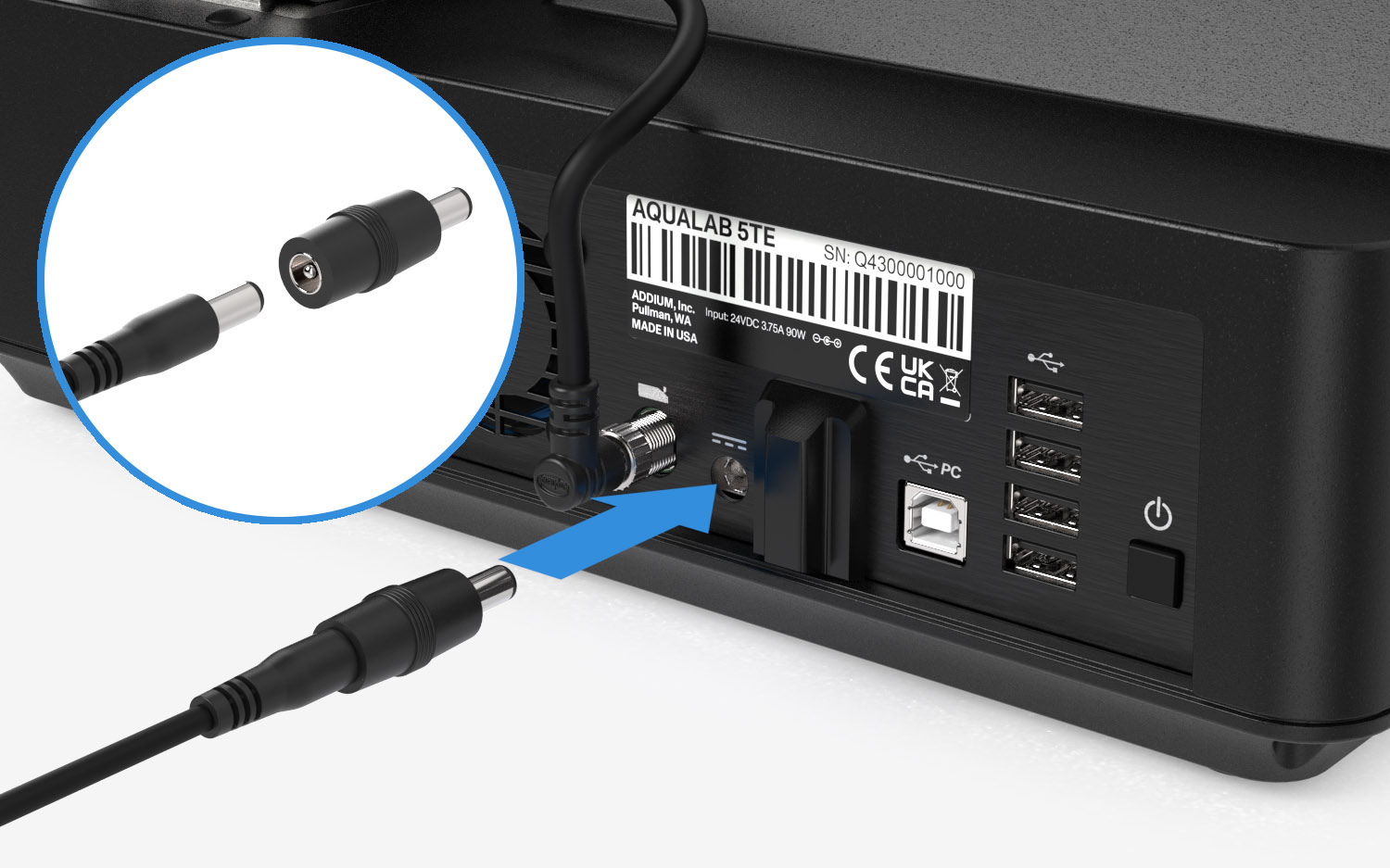
Plug the power cable into the DC barrel connector on the rear panel and connect the other end to a grounded power source.
To prevent instrument malfunction or damage, ensure the barrel adapter is installed before connecting the power cable.
Follow the on-screen instructions to set up the internet connection, either through Ethernet or a wireless network.
2
Link the account
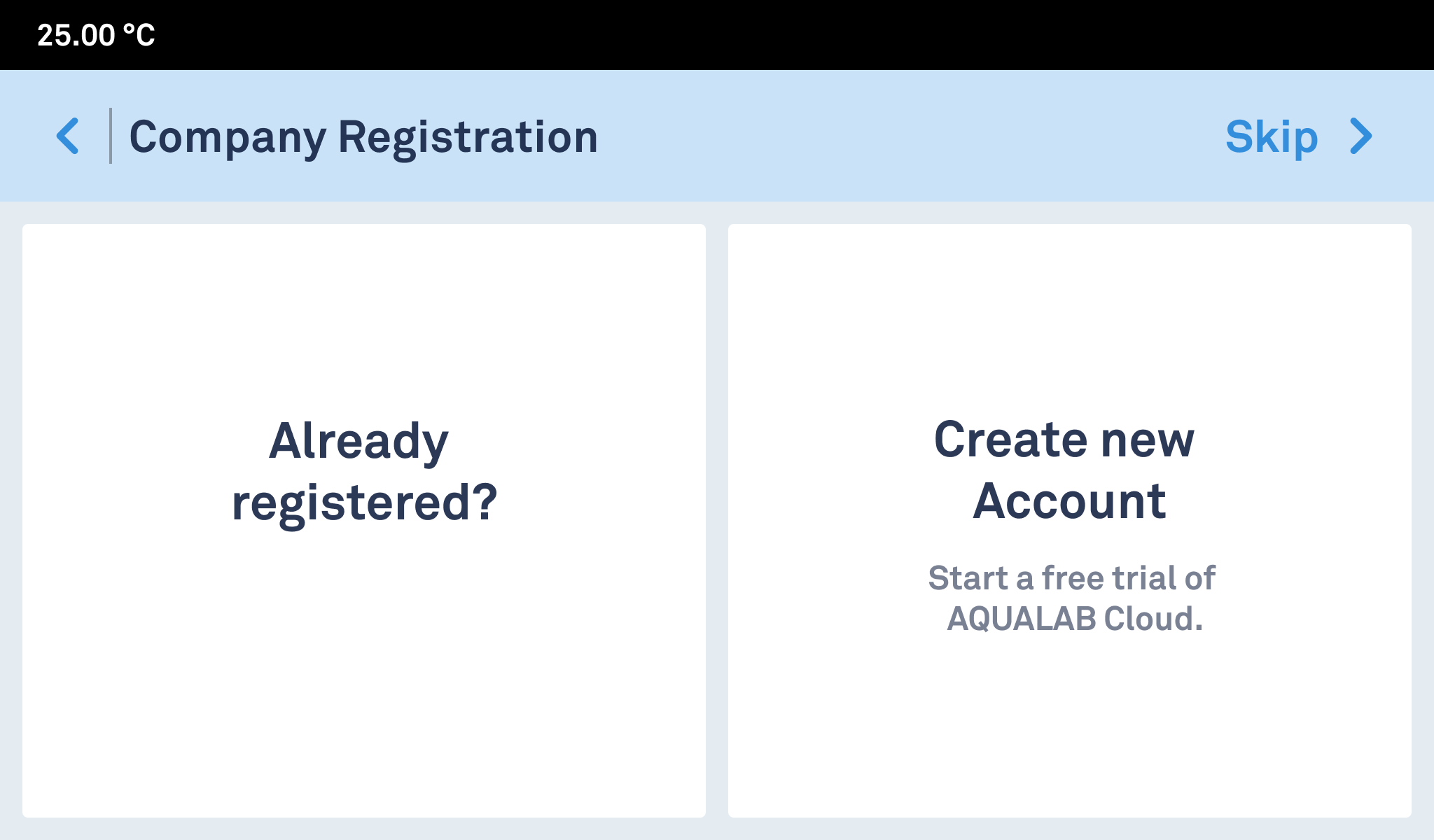
Set up an AQUALAB Cloud account or configure the instrument for standalone operation.
For standalone mode, tap Skip >.
For detailed instructions on account setup, please refer to the user manual.
3
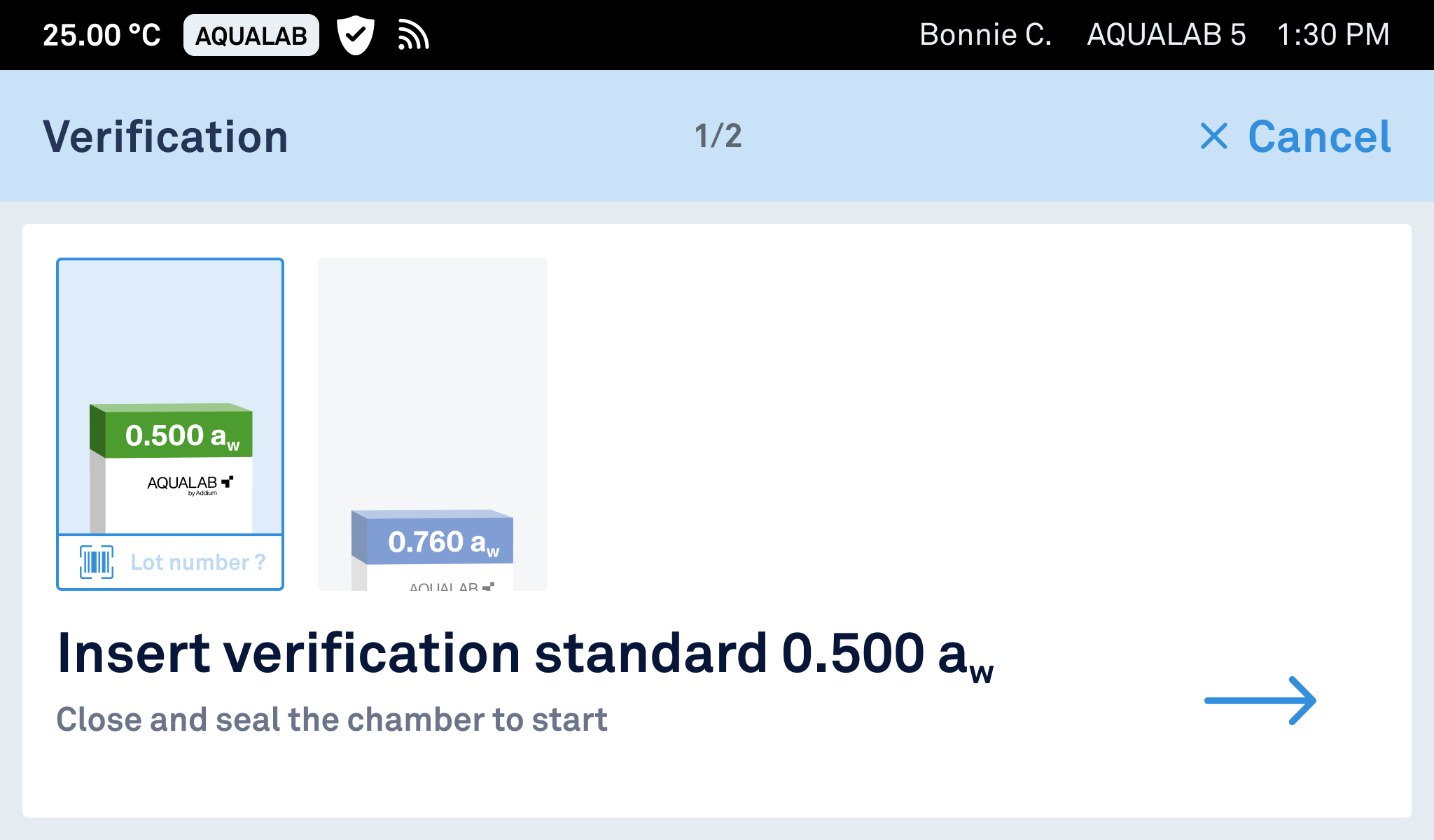
Verify the instrument
Tap Start Instrument Verification on the home screen and follow the instructions to confirm your instrument is operating as expected.
Verification must be performed according to facility SOPs.
Addium recommends daily or once-per-shift verification at minimum.
For detailed instructions on how to verify the instrument, please refer to the user manual.
4
Take a reading
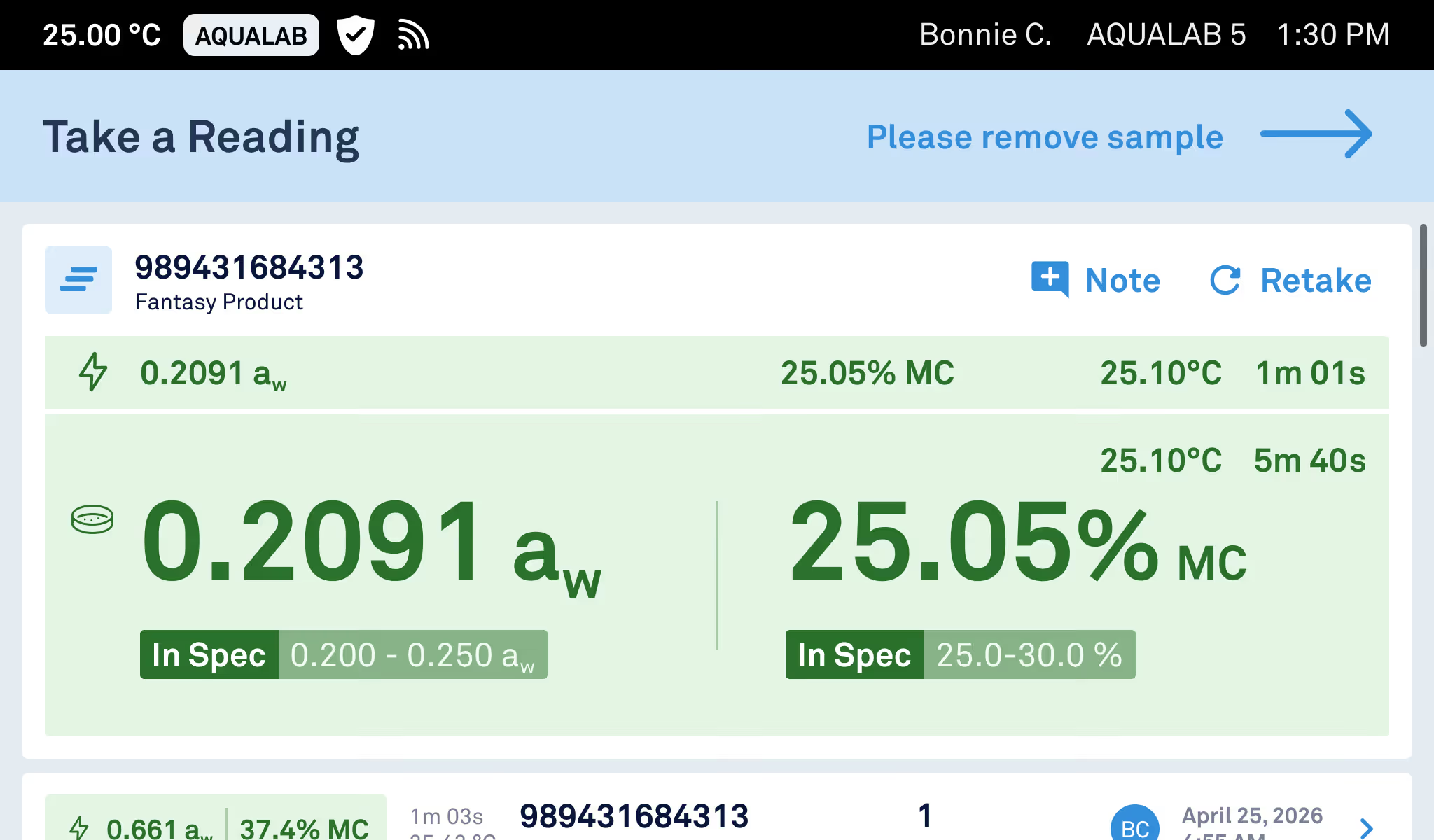
Tap Take a Reading on the home screen and follow the instructions.
For information on how to set up products in AQUALAB Cloud, please refer to the user manual.
Always use a fresh AQUALAB sample cup and only fill samples half full.
For detailed instructions on how to take a reading, please refer to the user manual.